What Family Caregivers Should Demand From Medicaid Enrollment Software Before Signing Up
Families should verify enrollment software handles the two-person sequence Medicaid requires.

End-to-end Medicaid enrollment automation for family caregivers must guide two people through a state-specific eligibility sequence. Before signing up, families should test whether software identifies the right program, screens eligibility in order, explains assessments and waitlists, and supports follow-up. A useful tool also discloses when its program data was last verified and where human guidance is still needed.
Why Medicaid caregiver enrollment is harder than a single application
A caregiver can reach an apparent dead end after filling out a form, only to discover that the problem was not eligibility but sequence. The application began with the wrong person. Self-direction is a Medicaid benefit. The care recipient must qualify for Medicaid first, before the caregiver’s own enrollment can proceed.
Most programs also require a separate state assessment finding that the recipient needs a nursing-facility level of care, creating a second gate. Only after the applicable recipient clearances do the caregiver’s relationship, state residency, and spousal rules come into play. Software that treats these as interchangeable questions obscures which decision depends on which earlier approval. A rejection and an unfinished prerequisite can then look much the same to a family.
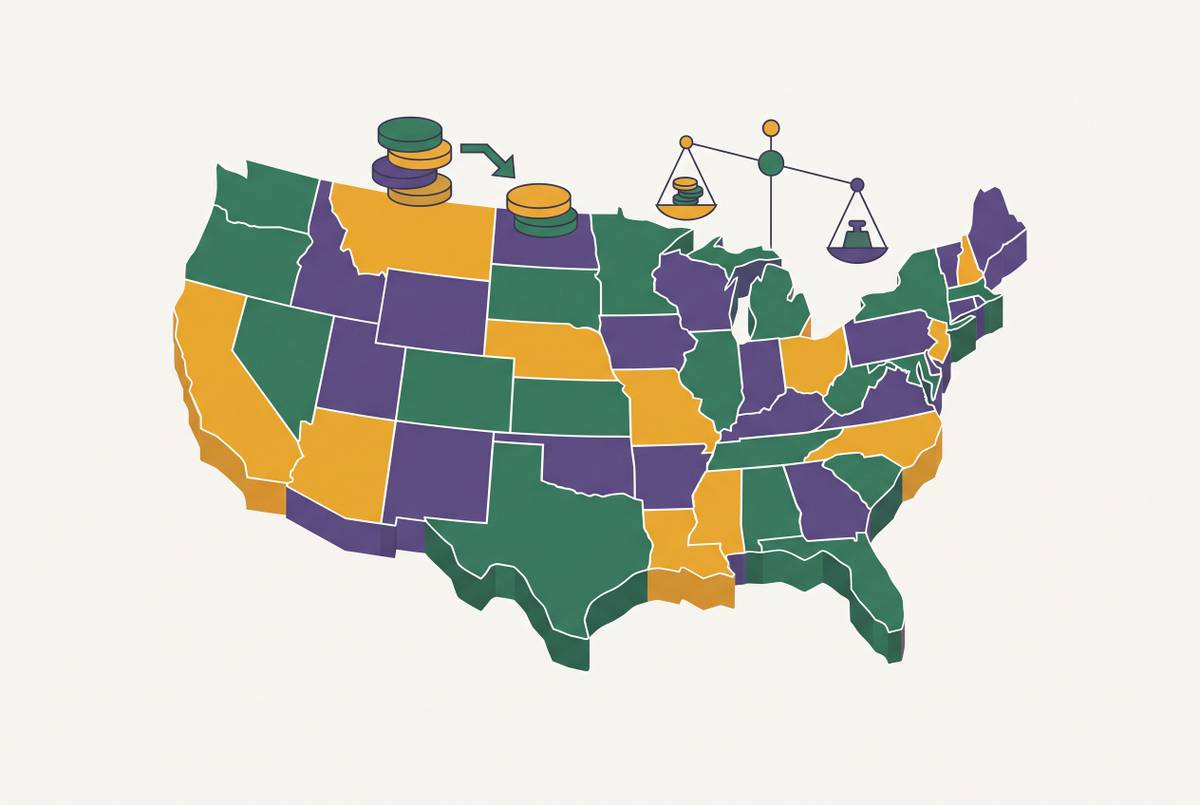
KFF’s 2025 survey found that all responding states pay family caregivers under some circumstances. Families may encounter CDASS in Colorado, IRIS in Wisconsin, CDPAP in New York, CFSS in Minnesota, or CDPASS in Oklahoma. The names reflect a fragmented landscape of state programs. A generic “self-directed care” screen leaves the family to work out which local pathway the software actually means.
What the program landscape actually looks like before a family applies
KFF’s 2025 survey found that all states that responded except Alaska allow self-direction in at least some cases. Within a state, however, availability varies by waiver, target population, and program type. Family supports are most widely available for caregivers of people with intellectual or developmental disabilities, while someone caring for an elderly parent may face a different waiver pool entirely.
Program type also changes the eligibility threshold. The HCBS State Plan Option, 1915(i), does not require nursing-facility level of care, while most home- and community-based services waivers do. Other state plan options are Community First Choice, 1915(k), and self-directed personal assistance services, 1915(j). Software must distinguish them before it can explain which assessment or eligibility requirement applies.
The route can also change how payment works. Self-directed pay can arrive as regular W-2 income through a financial management agency, while Structured Family Caregiving in a number of states pays a tax-free daily stipend of roughly $40 to $70 per day. Role restrictions add another distinction. Under 1915(j) and Community First Choice, the care recipient’s appointed representative cannot also be the paid caregiver, so someone else must hold the representative role.
Medicaid state plan benefits are entitlements with no enrollment waitlists, but in many states the waitlists for waiver programs can last for years. A program can fit a family’s needs without offering timely access. That wait makes it important to know which program a family can use, especially when policy changes may change the route while the family waits.
How the One Big Beautiful Bill Act changes what caregivers are enrolling into
KFF’s analysis reports that the 2025 reconciliation law signed July 4, 2025, is estimated to reduce federal Medicaid spending by $911 billion over a decade. The law does not directly end HCBS programs. With less federal support, states face pressure on their budgets and may cut optional HCBS spending. Enrollment software must therefore describe a changing system.
Arizona proposed cuts to the Parents as Paid Caregivers program, while Missouri proposed cuts to pay rates and to funding for self-directed supports programs. Nebraska’s governor proposed, and later withdrew, a cap on paid weekly hours for live-in family caregivers. Colorado’s 2026 budget expects the wait for its adult DD waiver to roughly double and adds a 56-hour-per-week cap on paid family caregiving.
Idaho approved legislation cutting from disability services. The governor’s earlier budget recommendation list had included removing HCBS altogether as an option, but the legislature did not pursue that path. A tool that collapses those events into a single “available” or “unavailable” label loses a consequential distinction. Families need to know which rule is in place and which change is still under review.
AARP’s 2025 Caregiving in the US report found that millions of family caregivers rely on Medicaid for their own health insurance. Their coverage and the recipient’s access to paid family care are distinct concerns, even when both depend on Medicaid policy. In this environment, an undated answer is insufficient. For Arizona, for example, a tool should flag the proposed cuts rather than present availability as settled or imply that a proposal has already ended the program.
The checklist: functional requirements that separate useful software from a fancy FAQ
Test state-correct identification by asking the tool to name the applicable program and pathway in your state. “Self-directed care” is not a sufficient answer. The answer should explain how a state plan option differs from an HCBS waiver and what it takes to qualify, including whether nursing-facility level of care is required. If the tool cannot name the route, it has not demonstrated that its later instructions apply to you.
Test sequencing by trying to enter information to enroll the caregiver before checking whether the recipient qualifies. Look for a stop or a clear redirection. The tool should first address whether the recipient qualifies for Medicaid and then identify the separate state level-of-care assessment where required. A workflow that starts and stays with caregiver qualifications reverses the dependency that governs the application.
Test relationship rules by entering “spouse” as the proposed caregiver relationship and examining the answer. It should give a state-specific rule that is more precise than “family members may qualify. Then check whether it explains the rules for your actual relationship, including adult children, siblings, or co-resident relatives where relevant. The answer should also disclose the representative-versus-worker restriction when the applicable federal self-direction option requires it.
Test waitlist transparency by asking how long enrollment takes for the applicable program in your state. A credible response gives a range and urges prompt application where a waitlist applies. It also distinguishes waiver waiting from access through an entitlement state plan benefit. The tool should make clear whether it is describing how to join a waitlist, enroll, or move toward paid care.
Test assessment support by asking whether the tool helps prepare for the needs assessment or only completes the application. This step directly affects how many hours are approved or how much the daily stipend is. Useful support explains what the assessment measures, how to document functional limitations accurately, and what an appeal involves if the initial approval is too low. Families who describe only their loved one’s best day can receive a low approval that takes months to appeal.
Test post-submission support by asking what happens after “submit.” Does the tool send alerts when action is needed, track status, or clearly explain what you must monitor and when to follow up? A single missing document or verification can stall a file. Programs that close files after a missed response window may require the family to start over, while the path from application to first paycheck typically takes many months. The answer should define who handles that interval.
Test data freshness by asking when the information for your state was last verified and how often it is updated. A credible answer includes a date. It should also flag uncertain program status or active legislative review. Launch-day accuracy is not enough when state rules can change within months. Together, these tests make a 15-minute evaluation concrete without requiring a family to become expert in Medicaid law.
What happens when the software passes the checklist but the system still has limits
Nebraska’s withdrawn proposal to cap paid hours for live-in family caregivers illustrates a policy constraint, but service capacity presents a separate problem. States cap waiver enrollment based on their budgets rather than how many people need care, and services may not start as soon as someone is approved.
Iowa caregiver McKayla Muniz got a Children’s Mental Health HCBS waiver after about a six-month wait by applying for the Waiver Priority Needs Assessment to show an urgent need. A social worker helped identify that pathway. Yet waiver approval did not start services, because a separate assessment process still had to run and could take additional months. Her experience separates three events that a simplified progress screen might blur, which are priority review, approval, and access to services. Software cannot promise to bypass those steps.
That limit changes what an honest tool should communicate. It should show which priority pathways are open without suggesting that every family can jump the queue or that care will start as soon as they enroll. While waiting, caregivers need parallel strategies, including peer networks, respite care, and VA programs if applicable. These are supports for the waiting period during Medicaid enrollment.
Human expertise complements the software at these junctions. Navigators and enrollment counselors can identify an alternative waiver or a state-plan pathway without a waitlist that a rules-based tool may miss. AI-powered benefit discovery can handle breadth and speed across programs, while human guidance can address edge cases, appeals, and emotional navigation. The combination is more reliable than either alone. A realistic evaluation therefore asks not only what the tool automates, but where knowledgeable help enters the process.
How to use the checklist in practice before signing up for any tool
To put the tests into practice, begin with your state’s correct program name and pathway. Ask the tool to confirm that route in the first interaction. If it cannot, end the evaluation there. Then run the relationship test using the actual proposed caregiver relationship, whether spouse, adult child, or sibling. A generic answer at this stage leaves an eligibility question unresolved.
Next, ask explicitly about the applicable waiver’s waitlist and when the state program data was last verified. Both answers need to be usable now. The tool should disclose waiting time and prompt immediate application where appropriate, while distinguishing current rules from proposed changes.
Before signing up, examine the full handoff from application through assessment, follow-up, approval, and service delivery. Ask which parts the software handles and which remain with the family or a human counselor. Submission is not the finish line for automation. A tool that only prepares forms may serve that narrower purpose, but it should not be treated as end-to-end guidance if it leaves the assessment and document-response period unexplained.
Finally, treat approval as the beginning of access rather than a promise of immediate paid care, and keep human guidance in the plan for unresolved cases. No software can remove budget limits or guarantee an outcome. Software can make it easier to understand which route applies, what still needs to be done, and what is still uncertain. Caregivers who test those functions before entrusting a tool with their application are doing exactly what the broader system demands, which is active, informed navigation.